
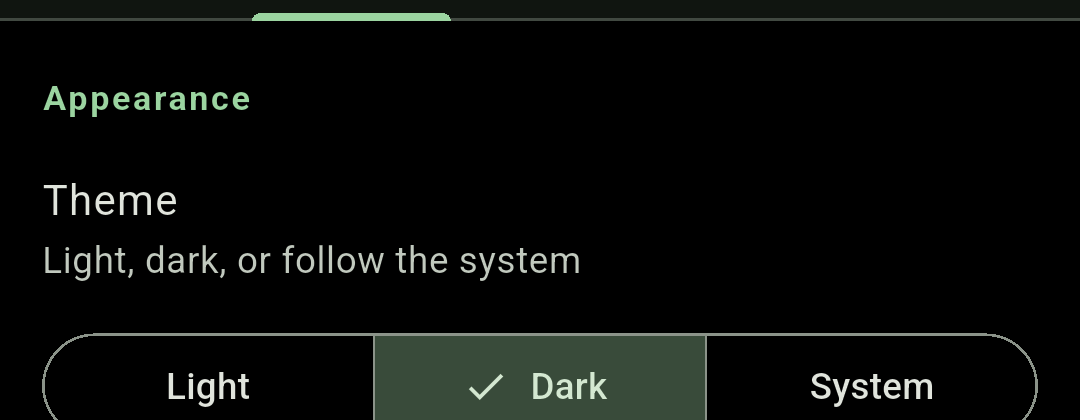
Theme #
Light, Dark or System. Chimely defaults to Dark rather than following the system, because an LED clock is the point.
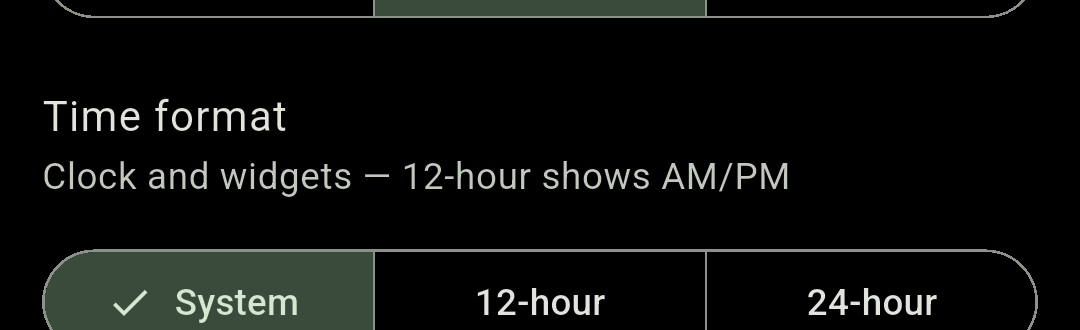
Time format #
System (default), 12-hour or 24-hour. It applies to the clock face and to your widgets; 12-hour adds an AM/PM suffix.
Show Hijri date on clock #
On by default. Adds the Islamic date beneath the Gregorian date on the clock face.
Clock font #
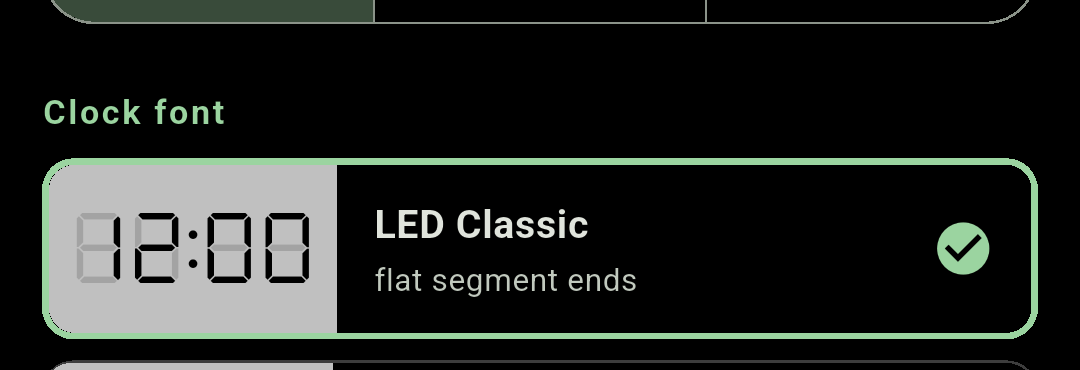
Eight faces, each shown as a live preview tile so you can see the real digits before choosing.
| Font | Character |
|---|---|
| LED Classic Default | Seven-segment with flat segment ends — the classic mosque clock. |
| LED Modern | Seven-segment with angled segment ends. |
| LED Cluster | Car-dashboard cells rather than segments. |
| Courier | A serif monospace. |
| System Mono | Your phone’s own monospace face. |
| Neon Tube | A glowing outline. |
| Inline | A striped outline. |
| Jewel | A double-line outline. |
The LED faces draw faint ghost segments behind the digits, exactly as a physical display does.
Segment and background colour #
Two tiles, each opening the same 90-colour palette, with a live 12:34 preview above them so you can judge the pair together.
- Segment colour — the digits. Defaults to neon green.
- Background colour — the face behind them. Defaults to black.
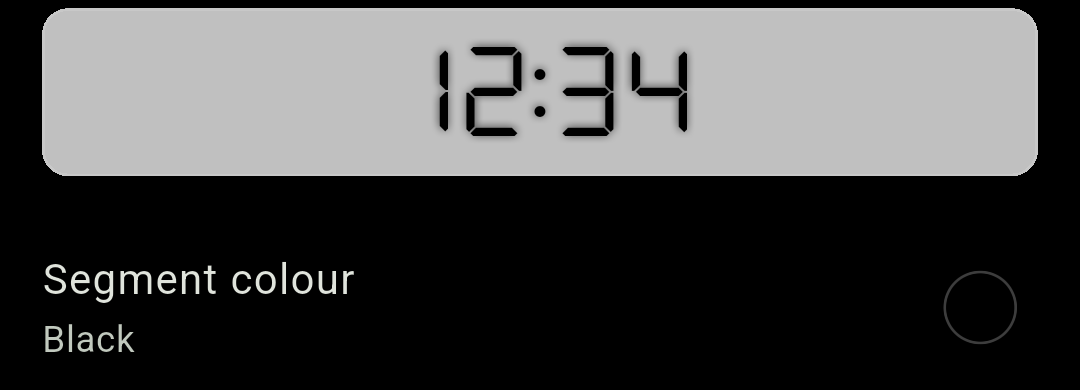

Both choices flow straight through to your widgets. The rest of the Appearance tab — Widget transparency and Keep widget time live when asleep — is covered in that section.
There is no “hide seconds” option (seconds are always shown) and no keep-screen-awake setting. If you want the clock to stay lit, raise your phone’s own screen timeout.