
“My chimes stopped” — work down this list #
- Are chimes actually on? Look for CHIMES OFF at the bottom of the clock. New installs start off.
- Is the phone on silent or vibrate? Respect silent mode is on by default, so Chimely deliberately stays quiet. Turn it off if you want it to play regardless.
- Is the current time inside your schedule? A Day or Night window silences everything outside it.
- Is the volume up? Chime volume is separate from prayer volume, and both are separate from your ringer.
- Grant exact alarms (below).
- Grant the battery exemption (below).
- Turn on Autostart if you are on Xiaomi, Redmi, POCO, Vivo, iQOO, Oppo, Realme, OnePlus or Huawei (below).
Exact alarms #
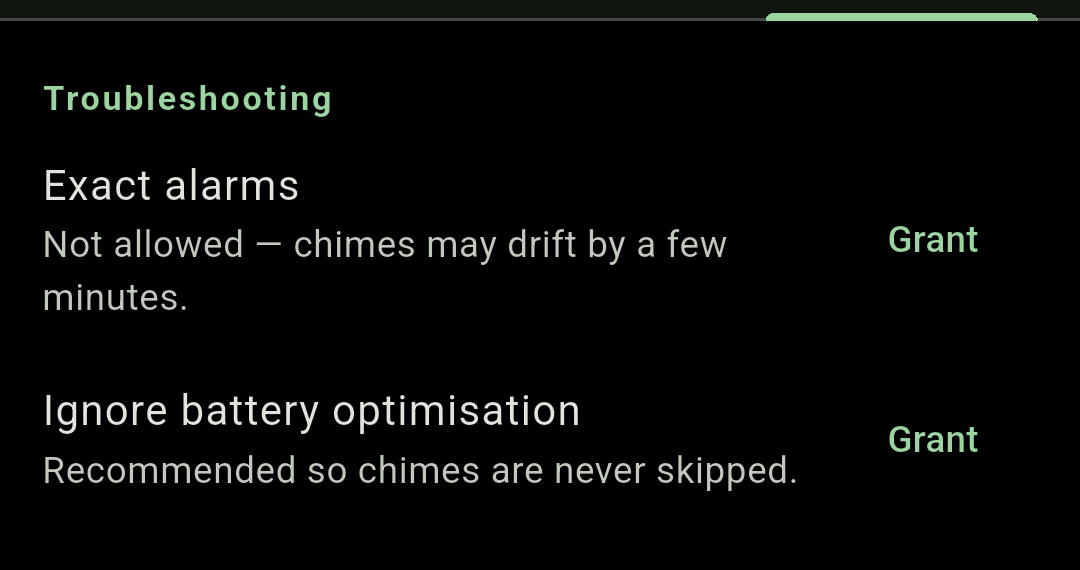
Android 12 and later require explicit permission for an app to schedule something at an exact instant. The Exact alarms row tells you where you stand: “Allowed — chimes fire precisely on the quarter” or “Not allowed — chimes may drift by a few minutes”. Tap Grant and Chimely takes you to Android’s Alarms & reminders screen.
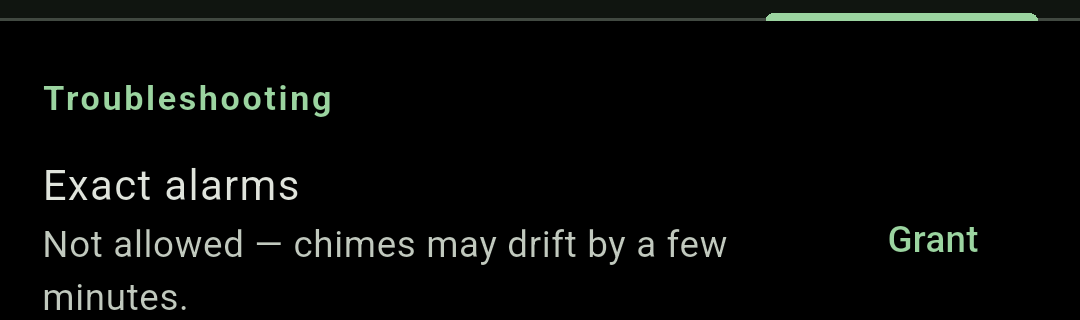
Without it, nothing breaks outright — chimes and the azan degrade to inexact alarms and can drift by a few minutes. Alarms, the timer and bedtime want it too.
Ignore battery optimisation #
Ignore battery optimisation asks Android to stop putting Chimely to sleep. Once granted the row reads “Granted — chimes are protected from Doze.”

Manufacturer battery managers #
This is the real culprit behind almost every “it just stopped” report. Several manufacturers ship an extra layer that force-stops apps regardless of what Android’s own settings say — and a force-stopped app loses even its scheduled alarms. Chimely detects your make and shows the right row.
Xiaomi, Redmi and POCO
A MIUI Autostart row appears. Tap Configure and switch Autostart on for Chimely, so MIUI’s battery manager cannot kill it.
Vivo and iQOO
Autostart alone is not enough on these phones — a Vivo battery settings row appears with two further steps:
- Battery → Background power consumption management → Chimely → allow high background power consumption.
- Open Recent apps, pull down on the Chimely card, and tap the lock icon so cleanup never closes it.
Everyone else
If Chimely notices it was stopped, it shows a Fix now card with generic steps: open your phone’s settings, find App battery usage (or just Battery), and choose Unrestricted. On Oppo, Realme, OnePlus and Huawei, also open the phone’s Security app and turn on Autostart for Chimely.
Maximum-reliability chimes #
If Chimely detects that a chime or azan was actually missed, it escalates itself: chimes move into the phone’s reserved alarm-clock slot, which battery managers are not allowed to silence. You will see a Maximum-reliability chimes are on row explaining this, and a small alarm icon appears in your status bar as the trade-off.
Once you have fixed the underlying setting — Autostart, usually — you can tap Standard to go back. If chimes are missed again, Chimely re-escalates on its own. Note that escalation needs Exact alarms granted to take effect at all.
Alarms ring but nothing appears on screen #
Notification permission was denied. Android suppresses the alarm notification and the full-screen ring screen together, so the alarm sounds with no way to stop it. Fix it in Android: Settings › Apps › Chimely › Notifications
If you are stuck with a ringing alarm right now, press any volume key to snooze it.
After a restart or an update #
Nothing to do. Chimely rebuilds its whole schedule from your saved settings when the phone boots and when the app is updated, without needing to be opened.