
Turning chimes on #
The first switch is Chimes enabled — “Ring every 15 minutes”. On a brand-new install it is off; nothing chimes until you turn it on. (If you upgraded from an older version your existing setting is kept.)

Chime styles #
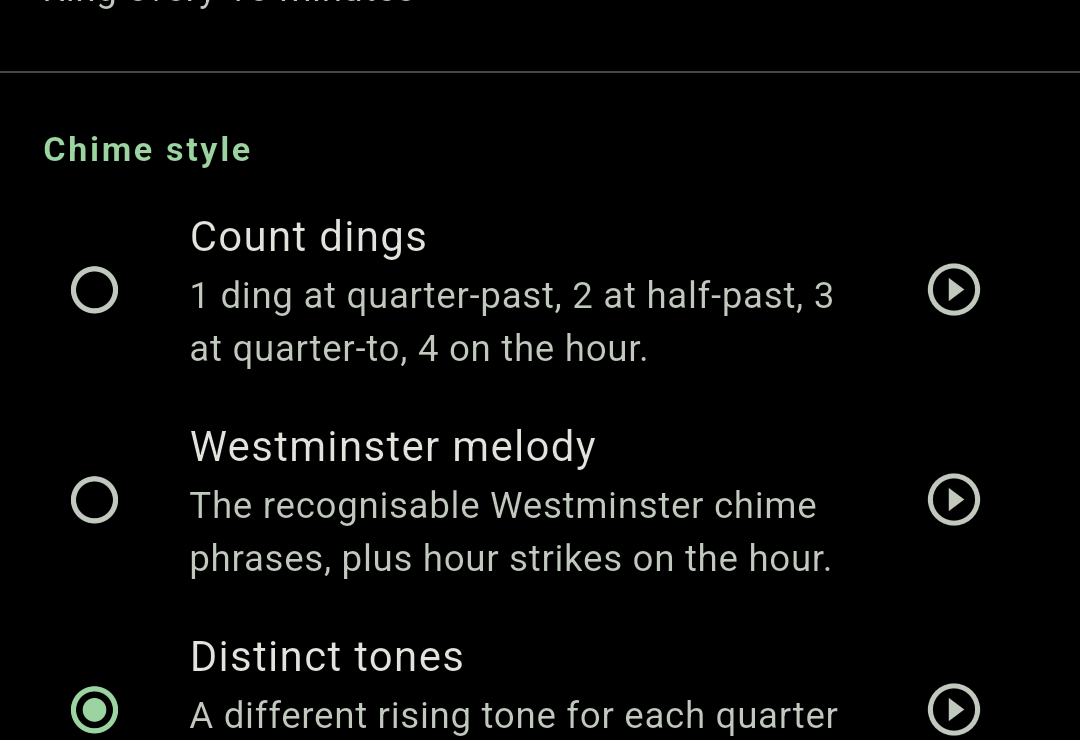
Pick one of three sounds. Each row has a play button to preview it before you commit.
| Style | What you hear |
|---|---|
| Count dings Default | 1 ding at quarter-past, 2 at half-past, 3 at quarter-to, 4 on the hour. |
| Westminster melody | The recognisable Westminster chime phrases, plus hour strikes on the hour. |
| Distinct tones | A different rising tone for each quarter — tell the time by pitch alone. |
Previewing each quarter #
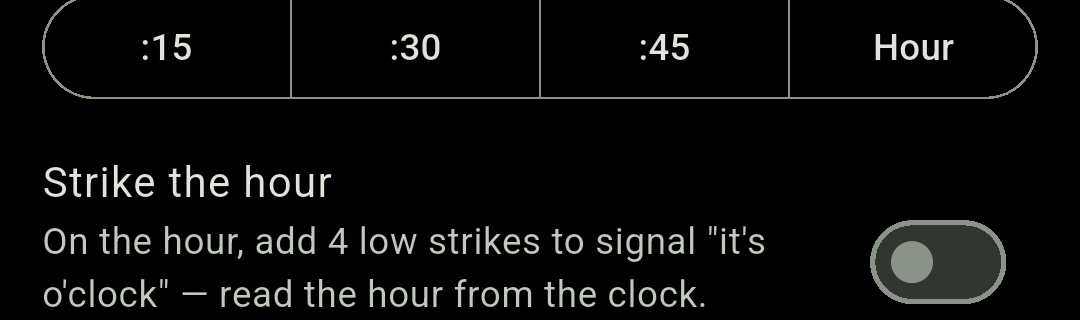
Try each quarter — “Tap to preview the :15, :30, :45, or hour chime” — gives you four buttons: :15, :30, :45 and Hour. Useful for checking the volume is right without waiting a quarter of an hour.

Strike the hour #
Strike the hour adds four low strikes on the hour so you always know it is o’clock, then you read the hour itself off the clock. It is on by default, and applies to Count dings and Westminster melody only.
Respecting silent mode #
Respect silent mode is on by default: the chime is skipped whenever your phone is on silent or vibrate. Turn it off and Chimely will play regardless — which is what you want on a bedside phone that lives on mute.

Volume #
A dedicated slider in 10% steps, showing the current value as a percentage. It defaults to 80% and is separate from the prayer volume, so you can keep the quarter-hour chime discreet and the azan loud.

Limiting chimes to certain hours #
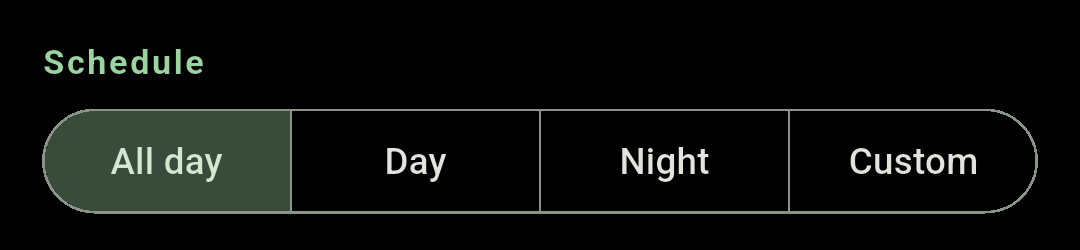
The Schedule control decides when chiming is allowed at all. Outside the window nothing plays.
| Option | Window |
|---|---|
| All day Default | Around the clock. |
| Day | 06:00 – 22:00. |
| Night | 22:00 – 06:00. |
| Custom | Two time pickers, Start chiming at and Stop chiming at. Starts at 08:00 – 22:00. |
A custom window may wrap past midnight — set 22:00 to 06:00 and Chimely labels it (overnight). The start and end cannot be the same time; use All day for that.
Using your own audio (experimental) #
Custom sounds (experimental) is off by default. Turning it on unlocks two things: a Custom sound chime style with a separate file per quarter, and a Custom sound option for the azan.
- Pick a file for each of Quarter past (:15), Half past (:30), Quarter to (:45) and On the hour (:00). Any quarter you leave unset stays silent.
- Trim chimes to caps how long each clip plays — 5 to 60 seconds, default 15s. Longer files are cut off, so a long track cannot run every quarter.
- Supported formats: MP3, M4A, OGG, WAV and FLAC.
Chimely keeps its own copy of anything you pick, in private app storage, so the chime still plays if you later move or delete the original — and so it can play with the app completely closed.