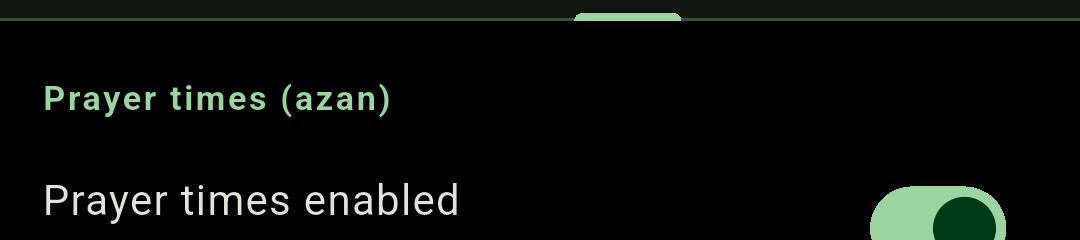
Enabling prayer alerts #
Prayer times enabled — “Chime/azan at the five daily prayers” — is on by default. It also controls whether the prayer board appears on the clock face.
Your location #
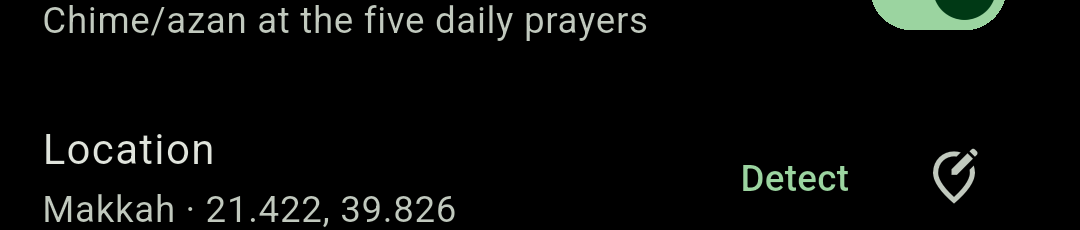
The Location row shows the place name and its coordinates — for example Makkah · 21.423, 39.826. Tap the menu beside it for your recently used places plus two ways to change it:
- Detect current location — asks Android for approximate location once. If a place is already saved you get a “Change location?” confirmation first.
- Enter manually — type a name, latitude and longitude. No location permission needed.
If detection lands somewhere Chimely does not recognise as a city, it asks “Name this location?” and offers the nearest city with its distance. Naming it saves it to your recents.
“Couldn’t get location. Enable location & permission, or enter it manually.” means Android refused — turn on your phone’s location services and grant Chimely the permission, or just use Enter manually.
Choosing which prayers alert #
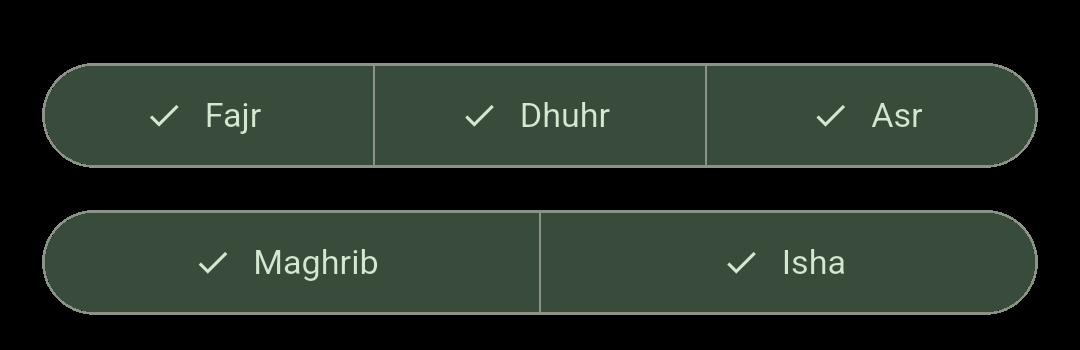
Two rows of selectable chips — Fajr, Dhuhr, Asr on the first; Maghrib and Isha on the second. All five are on by default. Switching one off silences its alert; the time still shows on the board, just dimmed.
Optional times #
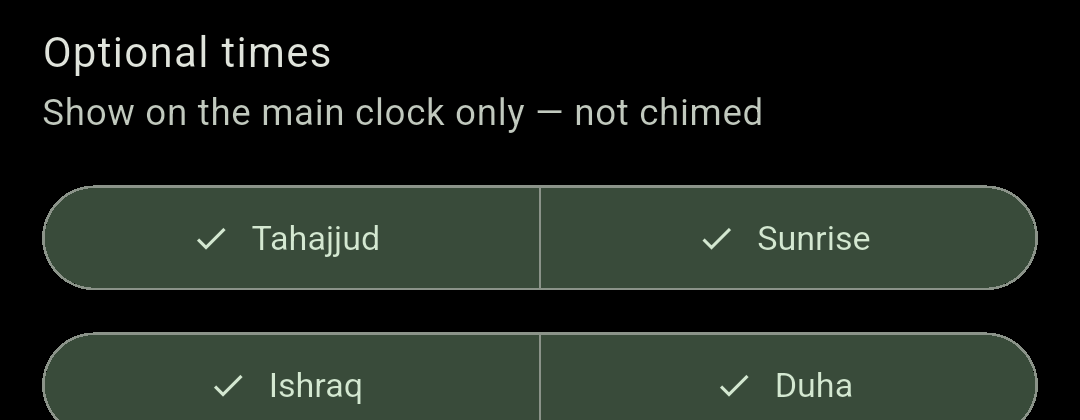
Optional times — “Show on the main clock only — not chimed” — adds four extra rows to the prayer board and the calendar. All four are off by default. They are never chimed and never appear in widgets.
| Time | How Chimely derives it |
|---|---|
| Tahajjud | The start of the last third of the night, measured from the previous Maghrib to today’s Fajr. |
| Sunrise | The day’s sunrise. |
| Ishraq | Sunrise plus 15 minutes. |
| Duha | The forenoon midpoint between sunrise and Dhuhr. |
These are fixed derivations — there is no offset to adjust.
Azan or chime #
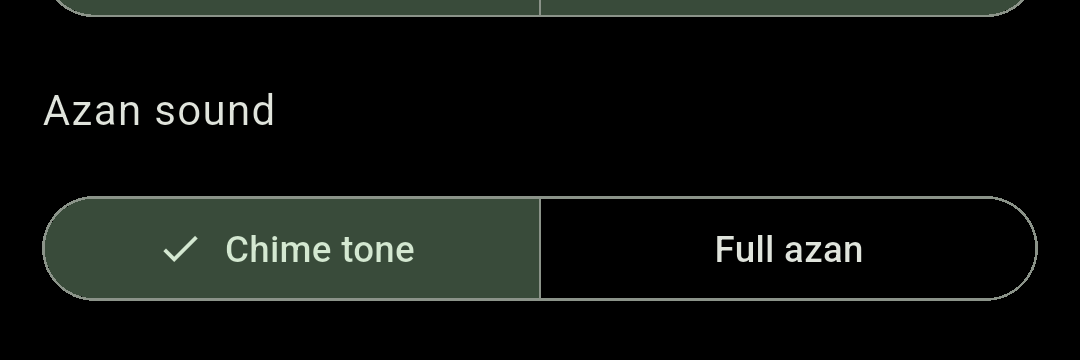
Azan sound decides what plays at each enabled prayer:
- Chime tone — a short tone, for when a full azan would be too much.
- Full azan (default) — the complete bundled azan.
- Custom sound — your own file, available only while Custom sounds (experimental) is on. It plays in full at every enabled prayer, and Chimely falls back to the bundled azan if the file goes missing.
Use the Preview sound row to hear your choice.
Prayer volume #
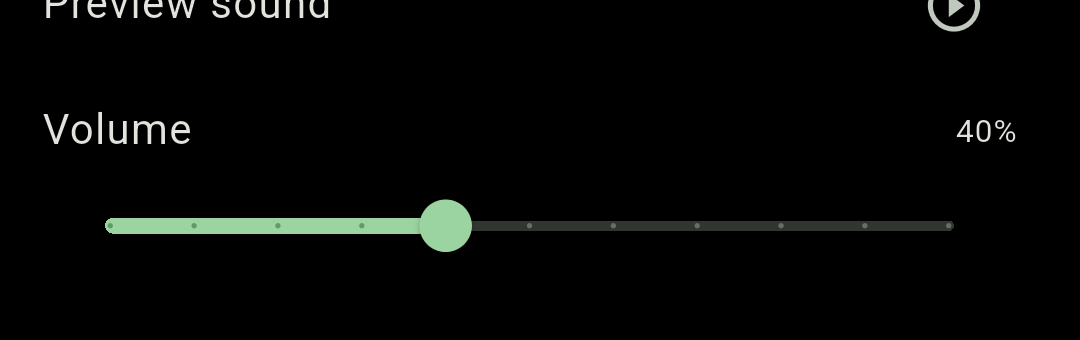
A separate slider from the chime volume, defaulting to 90%.
Advanced: matching your local masjid #
Open the Advanced section for the three settings that decide the actual arithmetic. If Chimely’s times differ from your masjid’s by a few minutes, this is where you fix it.
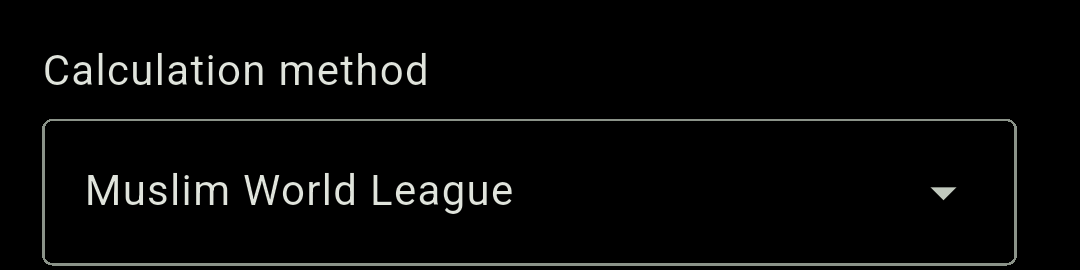
Calculation method
Thirteen conventions, defaulting to Muslim World League:
| Method | Method |
|---|---|
| Muslim World League Default | Kuwait |
| ISNA (North America) | Moonsighting Committee |
| Umm al-Qura (Makkah) | Singapore |
| University of Karachi | Turkey (Diyanet) |
| Egyptian General Authority | Tehran |
| Dubai | Other / Manual |
| Qatar |
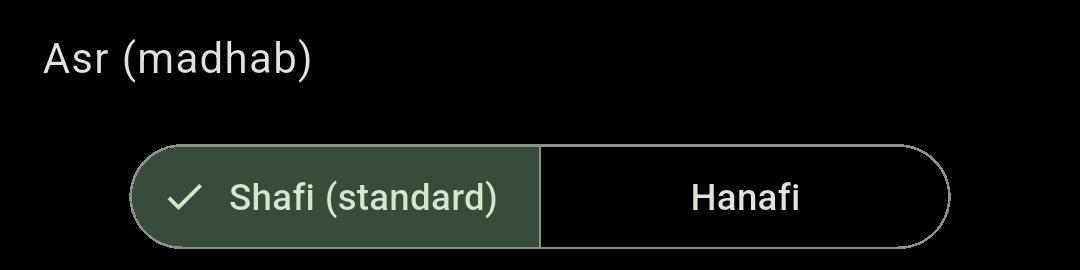
Asr (madhab)
Shafi (standard) (default) or Hanafi. This moves Asr only — Hanafi gives a noticeably later Asr.
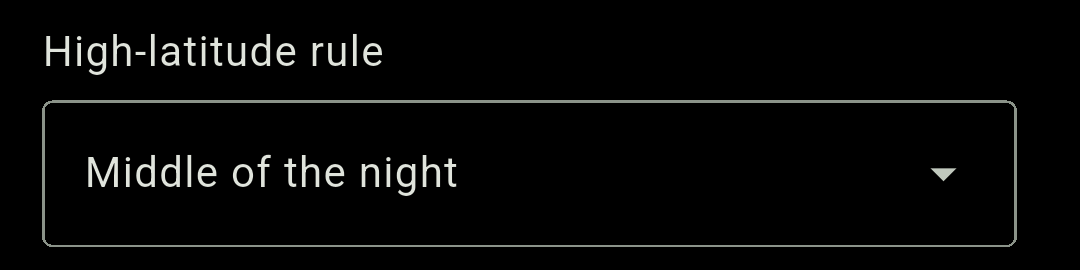
High-latitude rule
Far north or south, the sun may never reach the twilight angle that defines Fajr and Isha. This picks the fallback: Middle of the night (default), One-seventh of the night, or Twilight angle.
Twilight angle needs a calculation method that defines an Isha angle. Methods that use a fixed interval instead — Umm al-Qura and Qatar — quietly behave as Middle of the night even though the dropdown still reads Twilight angle.